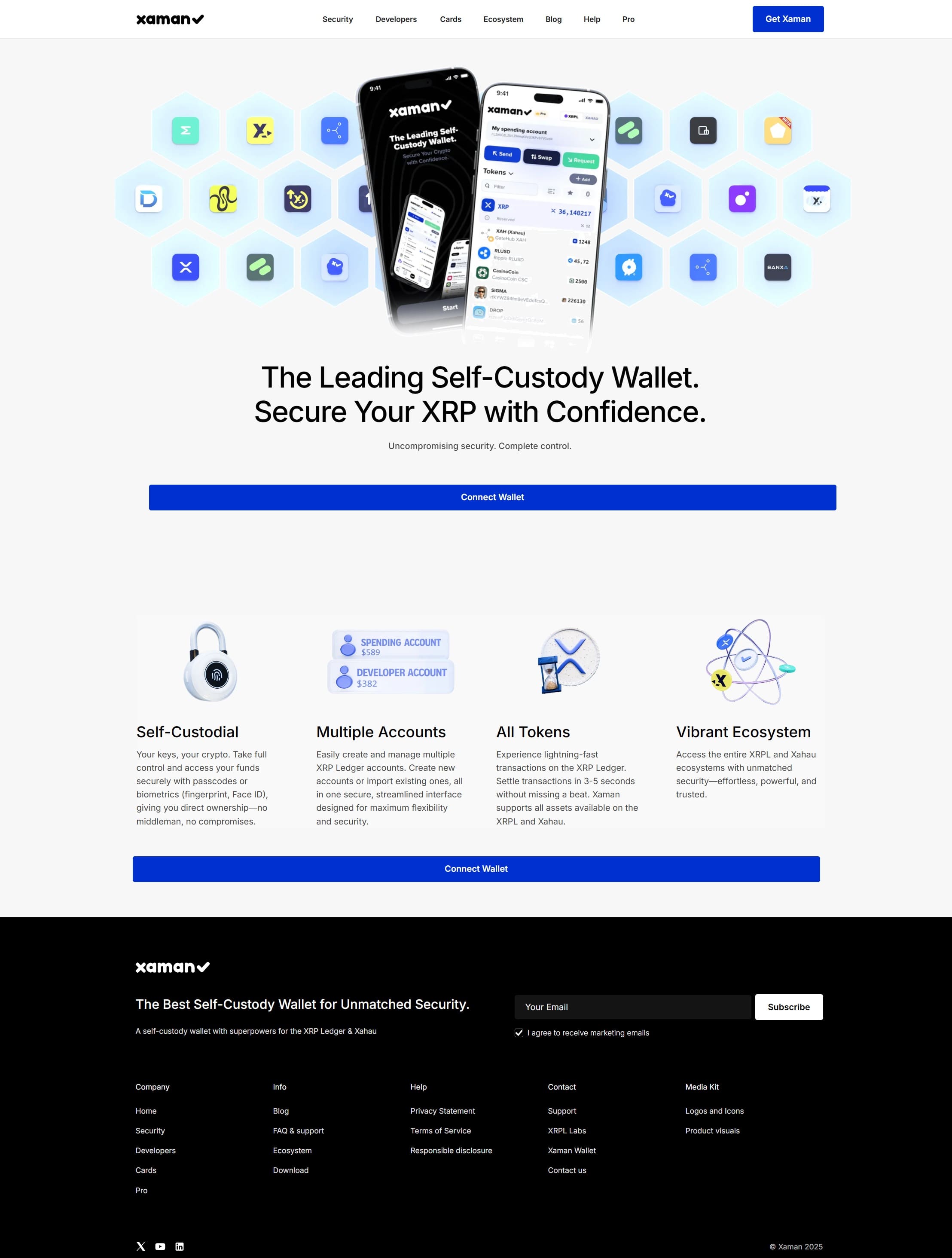
Xaman Wallet Extension – The Best XRP Wallet for Security & Control.
🌐 Xaman – Your Gateway to Secure XRP Ledger Management (Browser Extension)
Xaman (previously Xumm) is the trusted, open-source, non-custodial mobile wallet designed specifically for the XRP Ledger (XRPL) and Xahau sidechain. As of January 2026, it's used by millions and handles massive XRPL activity daily. Xaman focuses on true self-custody with your secrets (family seed/private keys) staying exclusively on your mobile device — encrypted, protected by biometrics/passcode, and never exposed to browsers, servers, or extensions.
Important: There is NO official Xaman browser extension (for Chrome, Firefox, Edge, or any other browser).
The Xaman team has repeatedly stated they do not offer and will never offer a browser extension, as desktop/browser environments carry higher risks for key exposure (e.g., malware, keyloggers). Any site, Chrome Web Store listing, or download link claiming to provide an "official Xaman/Xumm Wallet Extension," "Xaman Chrome Extension," or similar is almost certainly a scam or phishing attempt. These fakes often trick users into entering secret numbers/seeds, stealing funds instantly.
Official Xaman remains mobile-only (iOS/Android) for maximum security. For desktop/browser interactions, use secure mobile signing via push notifications or QR codes — no extension required!
By sticking to the genuine Xaman mobile app, users can:
- ✅ Download safely from Apple App Store or Google Play Store
- ✅ Follow in-app guides for setup, security, and XRPL/Xahau features
- ✅ Enable biometrics, multi-signature, and Tangem NFC hardware integration
- ✅ Manage XRP, tokens, stablecoins, NFTs, AMM pools, MPTs, hooks, and more
- ✅ Avoid scams: Never enter secrets on websites, extensions, or fake downloads
Xaman prioritizes security over convenience: secrets never leave your phone, protecting against the common risks seen in browser-based wallets.
🔹 How to Safely Use Xaman with Browser/Desktop (No Extension Needed)
- Install Official Xaman Mobile
Search "Xaman Wallet" in the Apple App Store (iOS) or Google Play Store (Android). Install only from these official sources. - Secure Setup
Create a strong 6-digit passcode + enable Face ID/Touch ID/biometrics. - Create/Import Account
- New: Generate secret numbers (family seed) and r-address.
- Import: Enter existing secrets to recover.
- Hardware: Add Tangem cards for cold storage.
- Backup Secrets
Write secret numbers offline (paper/metal). Never enter them anywhere online, screenshot, or share — this is your only recovery! - Activate Account
Send at least 10 XRP reserve to your r-address. - Connect to Browser Sites Securely
- Visit legitimate XRPL dApps, DEXs (e.g., unhosted.exchange), explorers on desktop.
- Select "Connect with Xaman" or "Sign with Xaman."
- Get a push notification/QR code in your mobile Xaman app.
- Review transaction on phone → approve securely (signing happens only on mobile).
- Manage Everything
Trade DEX/AMM, handle NFTs/trust lines, use dApps/hooks/Xahau — all with mobile-secured signing. - Scam Avoidance
- Report fake extensions in Chrome Web Store.
- Ignore any "Xaman Extension" ads, Google sites, or download links.
- Verify everything via official help.xaman.app or xaman.app.
❓ FAQs – Xaman & Browser Extensions
Q1: Does Xaman have an official browser extension?
A: ❌ No — confirmed by the team. Xaman is mobile-only to keep secrets safe.
Q2: Why no extension or desktop app?
A: Browsers/desktops are more vulnerable. Mobile offers better isolation, biometrics, and no key exposure xaman.store
Q3: How do I use Xaman on desktop/browser then?
A: Via mobile push/QR signing — secure, scam-resistant, and official method.
Q4: Are there fake extensions out there?
A: Yes — many phishing ones steal seeds/funds. Community and team warn about them regularly.
Q5: What if I installed a fake one?
A: Immediately stop using it, move funds to a new/safe wallet if possible, and report. Never enter secrets into suspicious tools.
Q6: Phone lost?
A: 🔑 Import secrets to new mobile device — funds safe on XRPL.
🔹 Key Takeaways
- Xaman = secure mobile wallet for XRPL/Xahau — no official extension or desktop key manager.
- Security first: Secrets stay on phone only; avoid any "Xaman extension" claims (high scam risk in 2026).
- ✅ True self-custody with seamless browser signing via mobile.
- Ideal for payments, trading, NFTs, dApps — mobile protection + desktop convenience.
- Stay safe: Use only official app stores; verify via xaman.app or help.xaman.app.
With Xaman, get unmatched mobile security and full XRPL access without risky extensions. Download the real app today and protect your XRP properly! 🚀